Tuesday, July 30, 2013

Startin' on a Hotdog...cart

So my next modeling challenge for myself will be a hotdog cart. I have chosen this due to the fact that it houses many different materials. This should be a good chance for me to showcase my ability to use Spec and Gloss maps to differentiate between materials.

I have already started placing blueprints in Maya to make sure all my proportions are correct as well as grabbing as many reference images as I could. Attached below is the main hotdog cart that I am basing my design off of as well as some quick renders of my work so far.

Basic Concept
Wire-frame. I have the frame and lower parts all pretty much done, and the top part is boxed out and sized to proportion.
High Poly. Plan on adding fine details such as tire treads in Photoshop. I find this method easier to manipulate and produces a cleaner result.

Wednesday, July 17, 2013

Camera Finished!!!

Finally completed my camera. Learned a lot on this project and hope to show my advancements on my next project, which I will start immediately.

Here are some beauty shots accompanied by the wireframes and texture maps.

Everything was modeled using Maya. Textures were all done in Photoshop with a little help from Crazybump. Renders were all shot using Marmoset Toolbag.

The mesh consists of 2797 faces  /  5462 tris.
Texture maps are set at 2048 x 2048 pixels.


Thursday, July 4, 2013

Party times with my Gloss maps!

I have been learning a lot about Gloss maps as well as the difference between them and Specular maps. After adding a gloss and fixing up my specular a bit I thought a video would be a nice way to show my progress. So here is my first attempt at rendering out video in Marmoset.

A few other changes that were done are fixes to the normal, primarily re-baking the top of the camera to clean up rough edges.  

For a higher quality video I uploaded it to Youtube.


Still a bit of tweaking to do, but I am really happy with how well the Gloss is helping bring out different qualities in the multiple materials.


Wednesday, June 5, 2013

Fun with Marmoset

So I finally got around to messing with Marmoset. Still learning the basics, but from what I have learned so far I am loving the program! I just assigned my three textures and applied a preset light. Later I will be going back and assigning different materials to various parts of the camera and setting up better lighting.

But here are some screen shots from my first week with Marmoset. I have been concentrating very hard on trying to capture the attributes of the metal.

My 3 textures so far

I just wanted to give an update with my most recent textures. I still have some fine tweaking to do on the specular as well as adding some character to the diffuse.

Diffuse
Specular
- I am still playing around with the oily rainbow color to really try and nail that realistic metal feel.
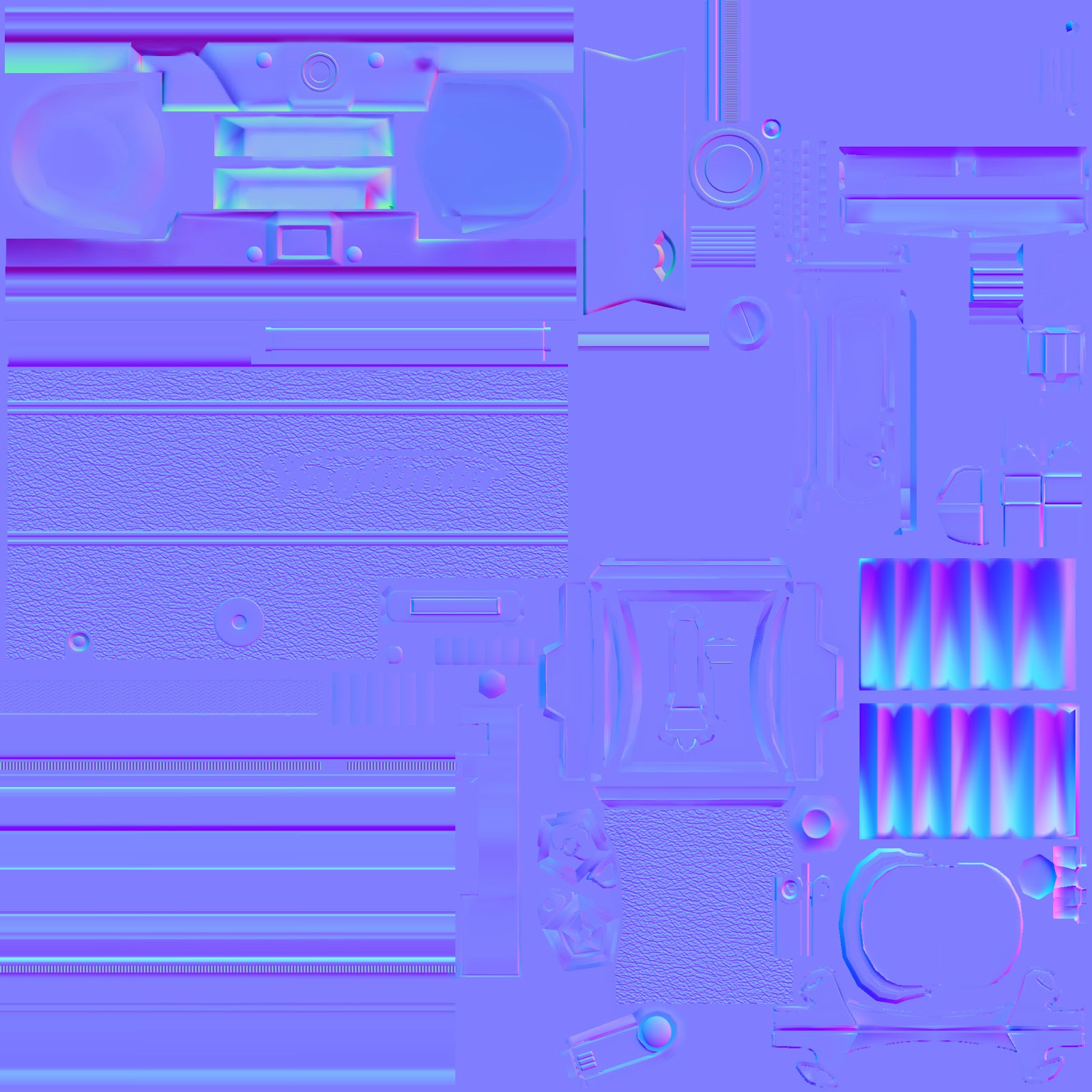
Normal

Saturday, April 6, 2013

UV layout

I had some people asking for the UV layout as well so here it is.


So I finally got around to baking out the normals, and after some help from friends and learning a few new techniques I would say its coming along nicely. I baked using XNormals and compiled all my files in Photoshop. I plan on heading back into Photoshop for a clean up so expect more posts soon.